How to Set Up Server-Side Tracking (CAPI) for Facebook Ads
Meta made CAPI setup dead simple. No developer, no third-party tools. Just Meta Business Suite and five minutes.
Server-side tracking (CAPI) sends conversion data directly from your server to Meta â bypassing browser restrictions that kill your Pixel data. Meta’s new Conversions API Gateway setup takes under 5 minutes inside Meta Business Suite. No developer needed. It’s free. Go to business.facebook.com/conversions_api_gateway_demo and follow the flow.
Why Server-Side Tracking Matters in 2026
The Meta Pixel fires from the visitor’s browser. That means every ad blocker, every iOS privacy restriction, every cookie consent banner that gets declined â they all kill your tracking data. On average, browser-based tracking misses 20-40% of conversions. Some verticals lose over 50%.
Server-side tracking (CAPI) solves this by creating a direct connection between your server and Meta’s servers. No browser involved. No cookies to block. No JavaScript to fail. Your server tells Meta what happened, and Meta uses that data to optimize your campaigns.
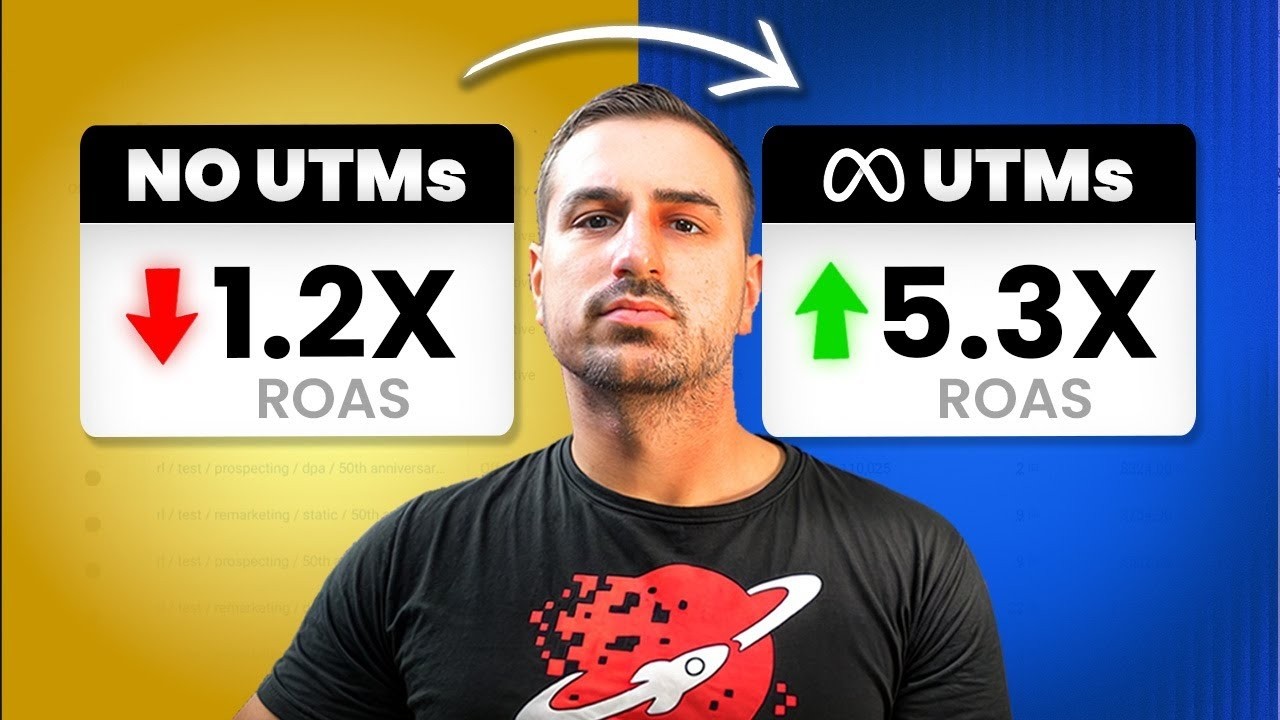
The result: higher event match quality, better optimization signals, lower CPA, and attribution you can actually trust. Every serious advertiser should have CAPI running alongside their Pixel.
Pixel vs. CAPI â What’s the Difference?
| Feature | Meta Pixel | CAPI |
|---|---|---|
| How it works | Browser-based JavaScript | Server-to-server API |
| Blocked by ad blockers | Yes | No |
| Affected by iOS 14.5+ | Yes | No |
| Cookie consent dependent | Yes | No |
| Data completeness | 60-80% of events | 95%+ of events |
| Setup difficulty (2026) | Easy â copy/paste code | Easy â Meta Gateway setup |
| Cost | Free | Free (Meta Gateway) |
| Recommended | Yes â use both | Yes â use both |
The answer isn’t Pixel OR CAPI â it’s both. Meta deduplicates the events automatically using event_id matching, so you won’t double-count conversions. Running both gives you maximum data coverage.
Meta’s New Simplified CAPI Setup (2025+)
Before 2025, setting up CAPI was painful. You needed a developer, a server endpoint (often through Stape or AWS), manual event mapping, and debugging that could take days. Meta changed this with the Conversions API Gateway â a built-in setup flow inside Meta Business Suite.
Go to the CAPI Gateway Setup
Navigate to business.facebook.com/conversions_api_gateway_demo in your browser. This is Meta’s dedicated setup page. You need to be logged into the Business Manager that owns the Pixel you want to connect.
Select Your Pixel and Domain
Choose the Pixel you want to enable CAPI for and confirm the domain. Meta will verify you own the domain through the domain verification you (should) already have in place from your Pixel setup.
Configure Event Mapping
Meta auto-detects the events your Pixel is already firing (PageView, ViewContent, AddToCart, Purchase, etc.) and maps them for server-side delivery. Review the mapping and confirm. For most ecommerce setups, the auto-detection is accurate.
Enable and Verify
Hit enable. Meta starts the server-side connection. Go to Events Manager â your Pixel â Test Events to verify events are coming through both the browser (Pixel) and server (CAPI). You should see events tagged with their source â browser or server.
After enabling CAPI, check your Event Match Quality (EMQ) score in Events Manager. This score (1-10) tells you how well Meta can match your server events to Facebook users. Aim for 6+ minimum. To improve it, make sure you’re sending customer parameters like email, phone, and external_id with your events. Most ecommerce platforms (Shopify, WooCommerce) send these automatically when a customer is logged in or completes a purchase.
What About Third-Party CAPI Tools?
Tools like Stape, Elevar, and Triple Whale still exist and offer CAPI setup. They made sense when Meta’s native setup was terrible. Now that Meta has a free, built-in solution, the value proposition has shifted.
Use a third-party tool if you need: advanced server-side GTM configurations, custom event transformations, multi-platform server-side tracking (Meta + Google + TikTok from one endpoint), or Enterprise-grade control over data flow. For most advertisers spending under $50K/month, Meta’s native CAPI Gateway does the job.
Event Match Quality â The Number That Actually Matters
After CAPI is live, your most important metric is Event Match Quality (EMQ). This score tells Meta how confidently it can match your conversion events to specific Facebook users. Higher EMQ = better optimization = lower CPA.
To maximize EMQ, ensure your events include these customer parameters: hashed email address, hashed phone number, first name, last name, city, state, country, zip code, and external_id (your customer ID). The more parameters you send, the higher Meta’s confidence in matching.
For Shopify stores, the native Facebook & Instagram channel sends most of these automatically. For custom setups, work with your developer to add the customer_information parameters to each CAPI event payload.
Troubleshooting Common CAPI Issues
Events showing as “Duplicate” in Events Manager. This is actually a good sign. It means both your Pixel and CAPI are firing, and Meta is correctly deduplicating them. The deduplicated event counts in your ad reporting will be accurate.
Low Event Match Quality score. You’re not sending enough customer parameters with your events. Add hashed email and phone number at minimum. Check your ecommerce platform’s CAPI integration settings â most have toggles for sending additional customer data.
Events not appearing in Test Events. Give it 20 minutes â server events aren’t instant like Pixel events. If still nothing after an hour, verify your domain is correctly verified in Business Settings and that you selected the right Pixel during setup.
Purchase events missing revenue data. Make sure your ecommerce platform is sending the value and currency parameters with Purchase events. Without these, Meta can’t optimize for ROAS or value-based campaigns.
Not Sure If Your Tracking Is Set Up Right?
Pixel misconfigured? CAPI not firing? Missing conversions? We’ll audit your entire tracking stack for free and show you exactly what’s broken.
Book Your Free AuditFrequently Asked Questions
Keep Learning
Official Resources & Documentation
Everything directly from Meta. Skip the middlemen — use the source.
Conversions API Overview
Meta’s official developer documentation for the Conversions API — what it is, how it works, event deduplication.
Read Docs →CAPI Gateway Setup
Official step-by-step guide to setting up Meta’s no-code Conversions API Gateway. No developer required.
Read Docs →Events Manager
Where you set up and verify your CAPI Gateway, check event match quality, and monitor data flow.
Open Tool →Event Match Quality
Meta’s official guide to EMQ scores — what they mean, how to improve them, and why they affect your ad performance.
Read Guide →Deduplication Guide
How to prevent duplicate events when running both browser Pixel and server-side CAPI simultaneously.
Read Docs →iOS 14 & Privacy Changes
Meta’s official explainer on why server-side tracking became essential after iOS 14 and ATT enforcement.
Read Guide →